
Your shop keeps itself up to date.
Smart collections fill your shelves for you. Say once what a shelf is for, like new in, bestsellers or under $30, and Tinbird keeps it right on every visit.
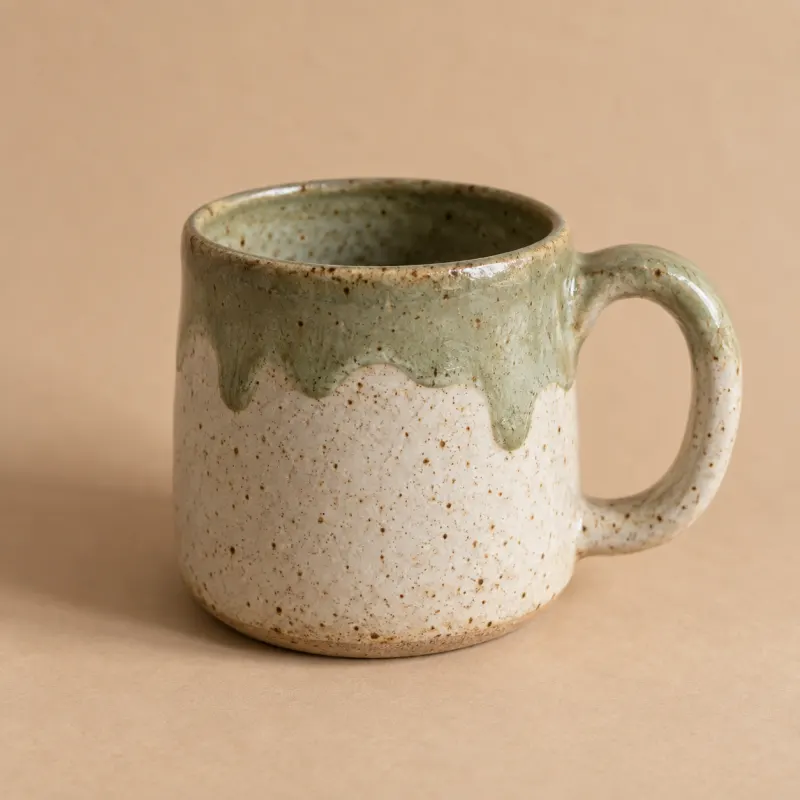
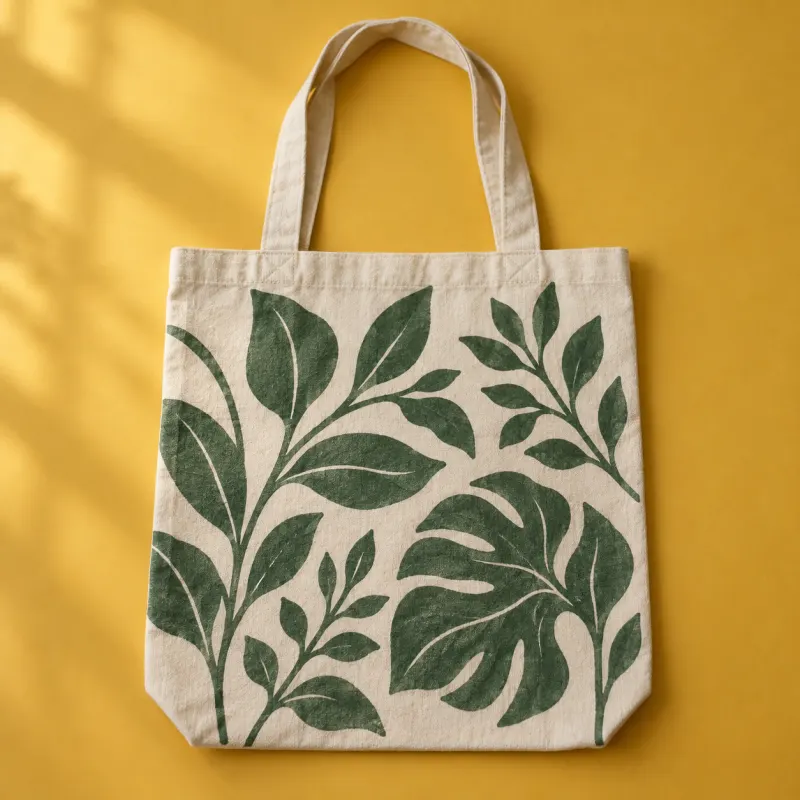

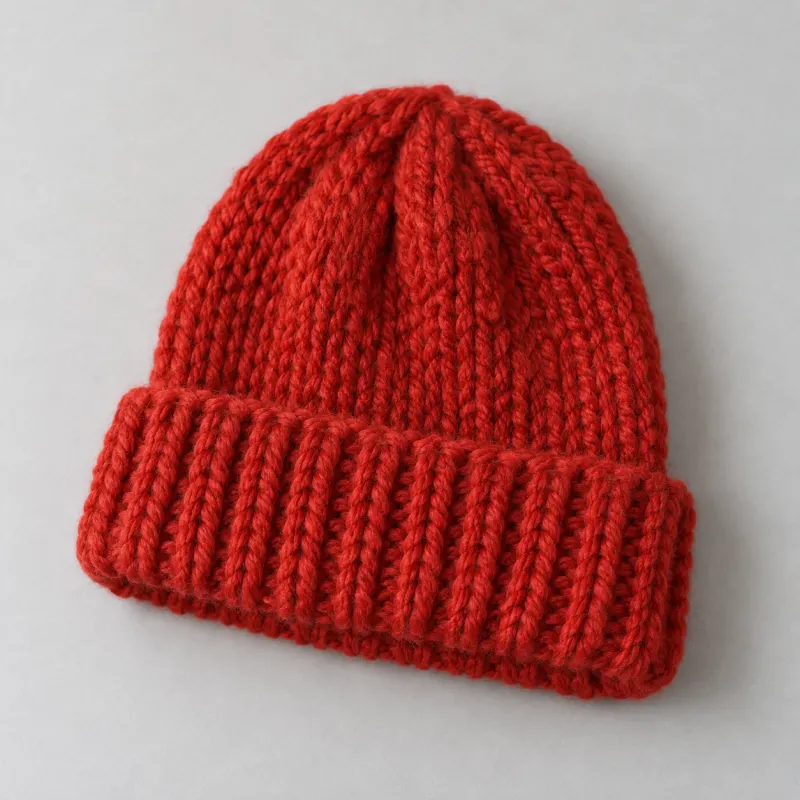
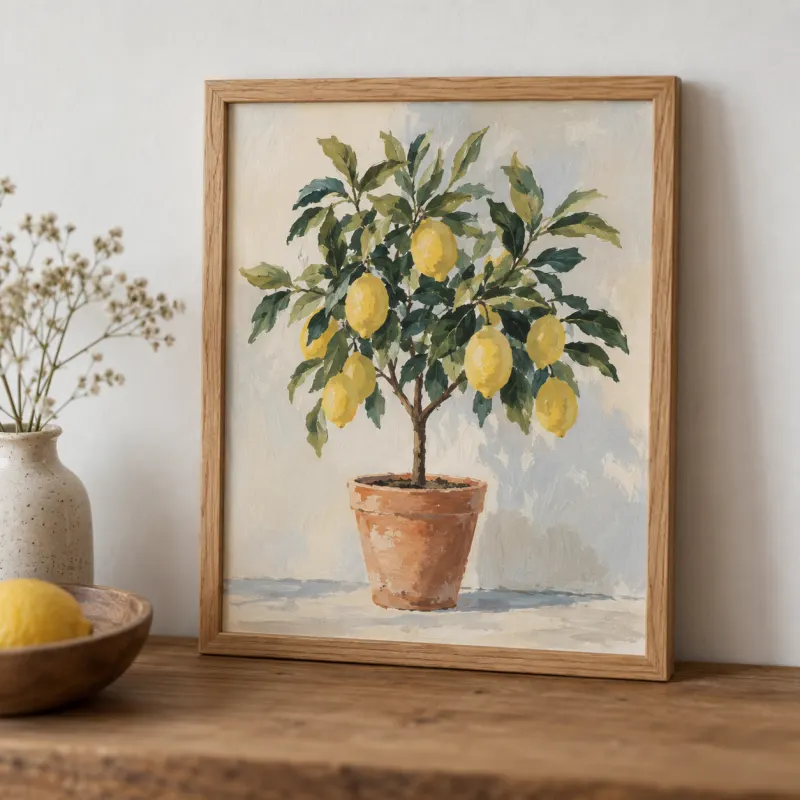
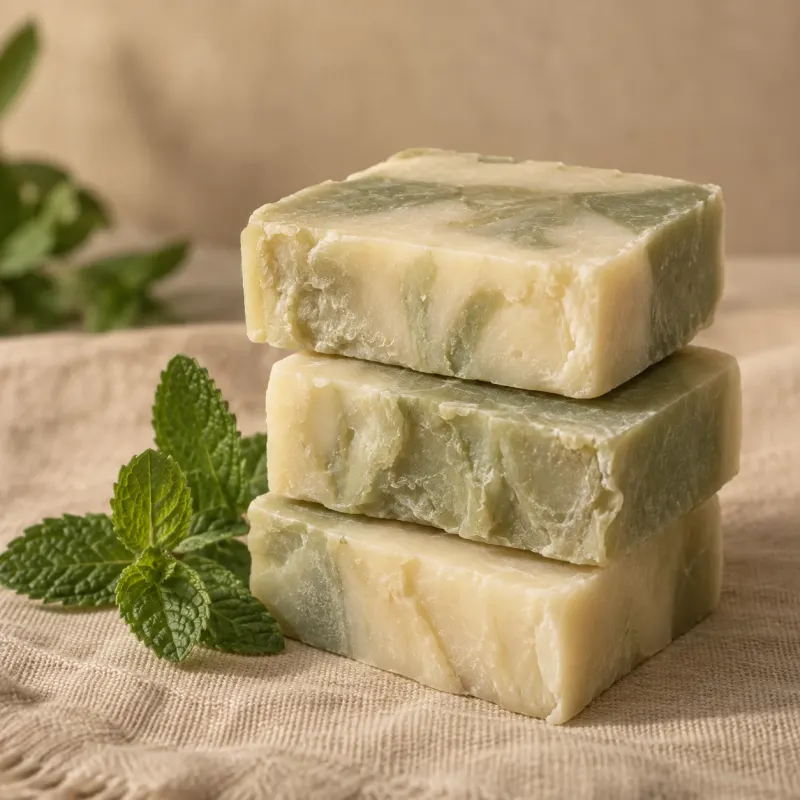
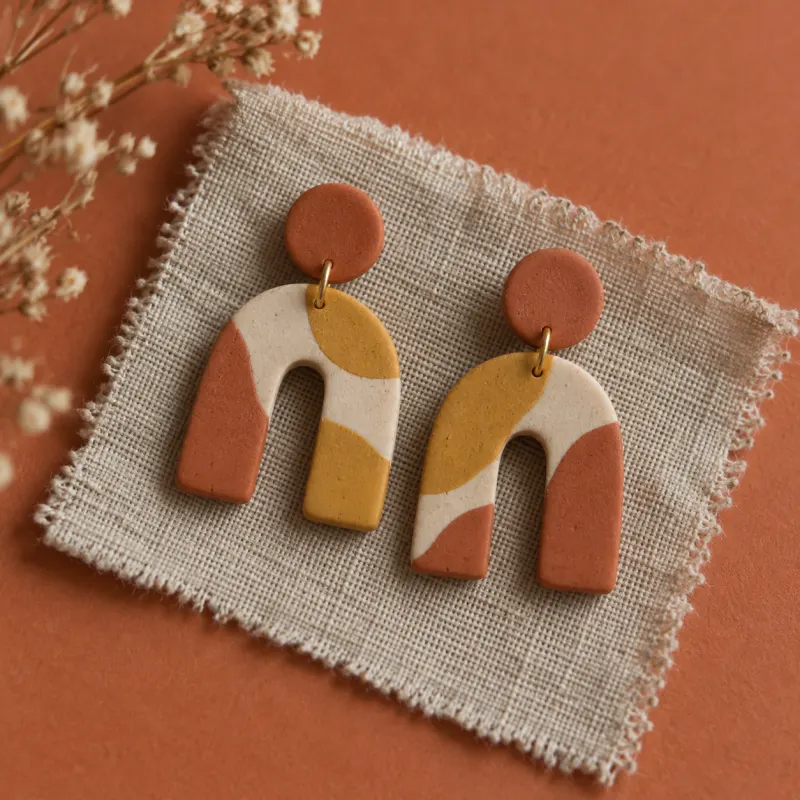

Keeping a website current is a second job.
Every batch, every drop and every sell-out means another round of edits. Most small shops go stale, not because nobody cares, but because there’s never time. Smart collections do that round for you.
- website to-do
- Add the new mugs to New in
- Move the bestsellers to the top
- Take down what’s sold out
- Tidy the menu after the drop
- Swap the picks on the homepage
A rule, not a list.
Instead of adding products to a shelf by hand, you describe the shelf. Tinbird works it out fresh for every visitor, so it’s never out of date.
Show products tagged ceramics that are under $30 and in stock, newest first, up to 12.
- Tags
- Physical or download
- Price
- New in the last…
- An option, like Black
- In stock
- Last few
- Sold out
- Bestsellers
- Most viewed
Sort by newest, bestselling, most viewed, price, name or what’s almost gone, and stop at any number you like.
Done for you on day one.
Every shop starts with these. Change the rules, rename them or delete the ones you don’t want. All products always stays.
- No badge
All products
Everything you’ve made public, newest first. Always there.
- New
New in
Anything added in the last 30 days.
- Bestseller
Bestsellers
Your top 12 by sales over the last 90 days.
- Last few
Last chance
Anything down to your low-stock level.
One rule, everywhere it shows.
The same collection is a page, a row, a filter, a badge and a menu link. Change the rule once and every place follows.
- A page of its ownShow it, and it lives at /collections/new-in.
- A row on any pageYour homepage’s picks, always current.
- FiltersChips on All products for browsing by collection.
- Badges“New”, “Bestseller” and “Last few” on product cards.
- Your menuLinks that hide themselves when a shelf is empty.
- SearchShoppers find your collections as they type.
The chores it takes off your hands.
Things change in a shop every day. Here’s what happens to your website when they do, with nothing for you to edit.
- You add a new mugIt joins New in with a “New” badge, and moves on after 30 days.
- A candle takes offIt climbs into Bestsellers.
- You’re down to the last twoThey move to Last chance with a “Last few” badge.
- The last one sellsIt shows as sold out, everywhere at once.
- A shelf runs emptyIts menu link hides until there’s something on it.
- You archive somethingIt leaves every shelf, straight away.
Or just ask Tinbird.
Describe the shelf you want in your own words. Tinbird writes the rule, shows you what’s on it, and adds it when you say so. Nothing goes live until you apply it.
“Make a gifts shelf: everything under $30 that’s in stock, bestsellers first.”
under $30in stockbestselling first
Add collectionAutomatic, but still yours.
Smart collections do the upkeep. You still decide how your shop feels.
Pin favourites
Keep the piece you’re proudest of at the top, whatever sells.
Leave things out
Keep a product off a shelf even if it fits the rule.
Hand-pick an edit
Choose products yourself, in your own order, when you want a curated shelf.
Hidden but hard-working
A collection without a page can still power badges, filters and rows.
Stop updating your website. Get back to making.
Every shop comes with smart collections from day one. $20 a month, and none of your sales.